







Cost to Develop a Shopping App Like Costco Canada in 2026
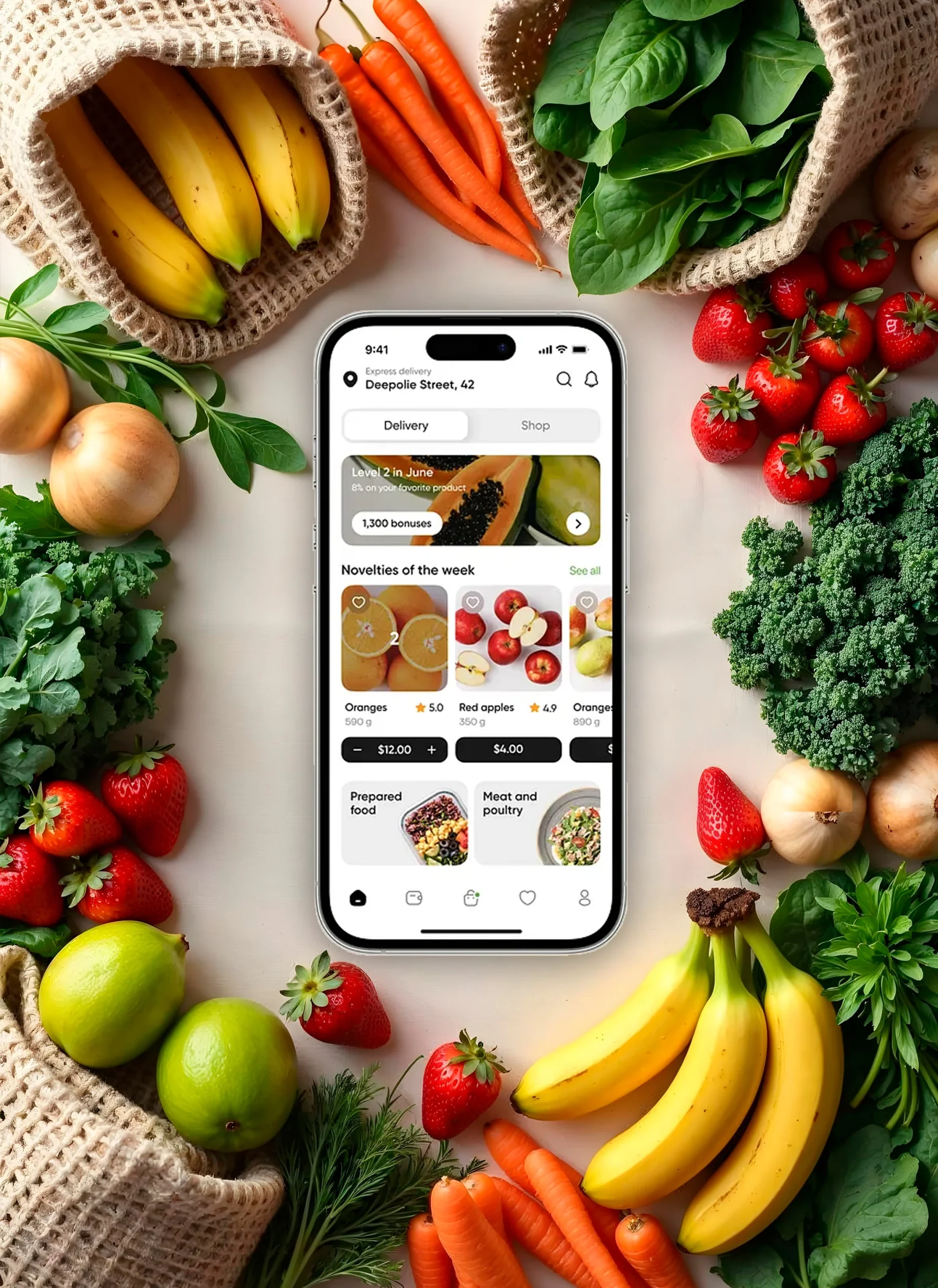
Creating an app like Costco Canada is not a matter of developing yet another online retailer. It’s a matter of crafting a shopping experience that is convenient, trusted, and rewarding. Consider why customers flock to Costco to begin with. They enjoy the abundance, the discounts, and the membership benefits that make them feel included. Consider how to bring all of that into a mobile application.
For any business looking to compete in retail today, a well-built shopping app is no longer optional. Customers expect to browse products, check prices, place orders, and even manage memberships without stepping into a store. The question most business owners ask is simple but important. How much does it cost to develop an app like Costco Canada?
This guide gives you the stats, factors, and cost ranges you need to know before you invest.
Why Building an App Like Costco Is Smart
Here’s the thing: the grocery and retail app space is booming, and Costco offers a compelling blend of brand loyalty, membership-driven profit, and growing digital engagement. Those ingredients make a Costco-style app not just appealing, but smart.
- The global online grocery market is poised to hit nearly $1 trillion by 2032-33, with growth ranging from a 16% to 17% compound annual rate. The estimate pegs it at $1.126 trillion by 2032 (CAGR ~16.3%).
- Costco serves over 10 million members in Canada and ranks among the country’s largest retailers, with annual sales averaging around CDN$25 billion.
- Online grocery is expanding across regions: North America, Europe, and Asia-Pacific are growing the fastest, with a CAGR of over 16%.
- In fiscal year 2024, Costco generated $254 billion in revenue globally, up 5% from the previous year. Membership fees accounted for a big share of its income, and online sales made up 7% of total revenue
- Beyond numbers, digital momentum is clear, Costco app downloads rose to 33 million, with e-commerce sales up 18% year-over-year. Mobile traffic now drives about 60 % of its online business
By building an app like Costco, you tap into a growing digital grocery market, especially in fast-moving regions and demographics. You adopt a model with proven revenue streams like membership fees plus volume sales. Plus, you stay nimble, ready to integrate quick-delivery features that consumers increasingly expect.
Cost to Develop a Shopping App Like Costco Canada
The cost to develop an app like Costco usually falls between $40,000 and $200,000, depending on complexity, platform choices, and features. Let’s break down what influences this cost and where your budget will likely go.
Building such an app involves several elements: design, coding, backend, integrations, and testing. Each factor changes the final number. Here’s a clear table to help visualize the cost range.
Estimated Development Cost Breakdown
| App Type | Features Included | Estimated Cost Range | Development Timeline |
| Basic App | User login, product listings, cart, simple checkout | $40,000 – $60,000 | 3 – 4 months |
| Mid-Level App | Advanced filters, payment gateways, order tracking, loyalty program integration | $70,000 – $120,000 | 5 – 7 months |
| Advanced App | Membership management, AI recommendations, quick commerce features, analytics | $150,000 – $200,000+ | 8 – 12 months |
A well-planned app like Costco is an investment that pays off through customer loyalty, recurring revenue, and competitive advantage. The exact figure depends on your goals, but the return potential often outweighs the upfront expense.
Also Read: How Much Does It Cost to Develop an App Like Shein in Calgary, Canada
Factors Influencing the Development Cost for an App Like Costco
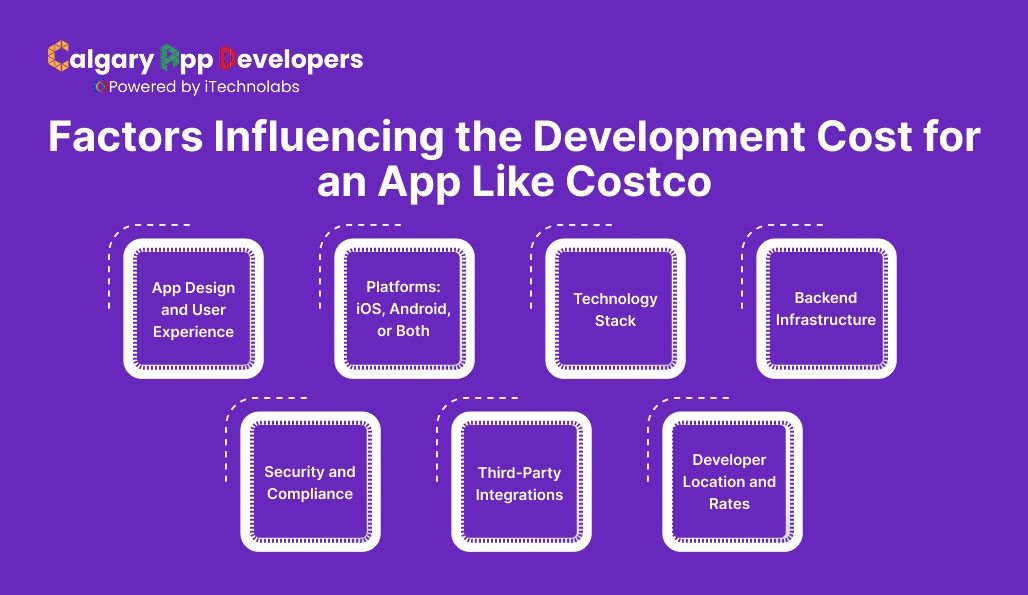
When estimating the cost of developing an app like Costco, the price tag is shaped by more than just coding hours. Every decision, from design style to developer location, can raise or lower the total budget. Let’s break it down.
- App Design and User Experience
First impressions matter. If your app feels clunky, people will uninstall it fast.
- UI Design: Costs increase with custom graphics, animations, and interactive elements.
- UX Research: Understanding user behavior through wireframes, prototypes, and testing adds upfront time but reduces long-term fixes.
- Accessibility: Designing for all users, including those with disabilities, requires extra effort but improves adoption.
Impact on cost: $5,000 – $20,000 depending on design complexity.
- Platforms: iOS, Android, or Both
Choosing the platform directly affects budget and timeline.
| Platform | Pros | Cons | Cost Impact |
| iOS Only | High-spending users, smooth ecosystem | Smaller global user base | Lower |
| Android Only | Wider global reach, flexible | Higher device fragmentation | Moderate |
| Both (Cross-platform) | Maximum reach, faster scaling | Double testing, higher upfront | Higher |
Tip: Many startups start with one platform, then expand.
- Technology Stack
The tools you pick under the hood matter.
- Frontend Frameworks: React Native, Flutter, Swift, or Kotlin.
- Backend: Node.js, Django, or Ruby on Rails.
- Databases: MySQL, MongoDB, PostgreSQL.
- Cloud Hosting: AWS, Google Cloud, Azure.
Impact on cost: Advanced stacks with AI/ML, real-time tracking, or predictive search raise both development time and cost.
- Backend Infrastructure
This is where your app’s data lives and breathes.
- Scalability: Can the backend handle thousands of orders during festive sales?
- Data Storage: Cloud solutions are flexible but come with ongoing costs.
- Performance: A laggy backend creates checkout drop-offs.
Impact on cost: Simple backends may cost $10,000, while scalable architectures with load balancing and microservices can run $50,000+.
- Security and Compliance
Handling payments and personal details makes security non-negotiable.
- Encryption: SSL/TLS, end-to-end encryption for payments.
- Compliance: GDPR (Europe), CCPA (California), and PCI DSS for payments.
- Fraud Prevention: Two-factor authentication, suspicious activity monitoring.
Impact on cost: Adds $5,000 – $25,000 depending on required certifications and regions targeted.
- Third-Party Integrations
Shopping apps like Costco need multiple external services.
- Payment Gateways: Stripe, PayPal, Razorpay.
- Logistics APIs: Shipment tracking and last-mile delivery.
- Marketing Tools: Push notifications, analytics dashboards, and loyalty program APIs.
Impact on cost: Each integration adds both setup and recurring costs. Expect $2,000 – $15,000 extra depending on the mix.
- Developer Location and Rates
Where your team is located changes everything.
| Region | Average Hourly Rate | Cost Efficiency |
| Calgary, Canada | $70 – $120 | Strong talent pool, reliable |
| North America | $80 – $150 | High cost, top expertise |
| Western Europe | $60 – $120 | Solid talent, mid-high cost |
| Eastern Europe | $30 – $70 | Balance of quality and cost |
| India & SE Asia | $20 – $50 | Lowest cost, wide talent pool |
Tip: Many companies use a hybrid model with core features built by affordable offshore teams, with sensitive parts handled by premium developers. If you’re looking for dependable North American expertise without paying the very highest rates, Calgary offers a smart balance to develop an app like Costco Canada.
Read Also: How Much Does it Cost to Hire App Developers in Canada?
Tips to Minimize the Cost of Development for an App Like Costco
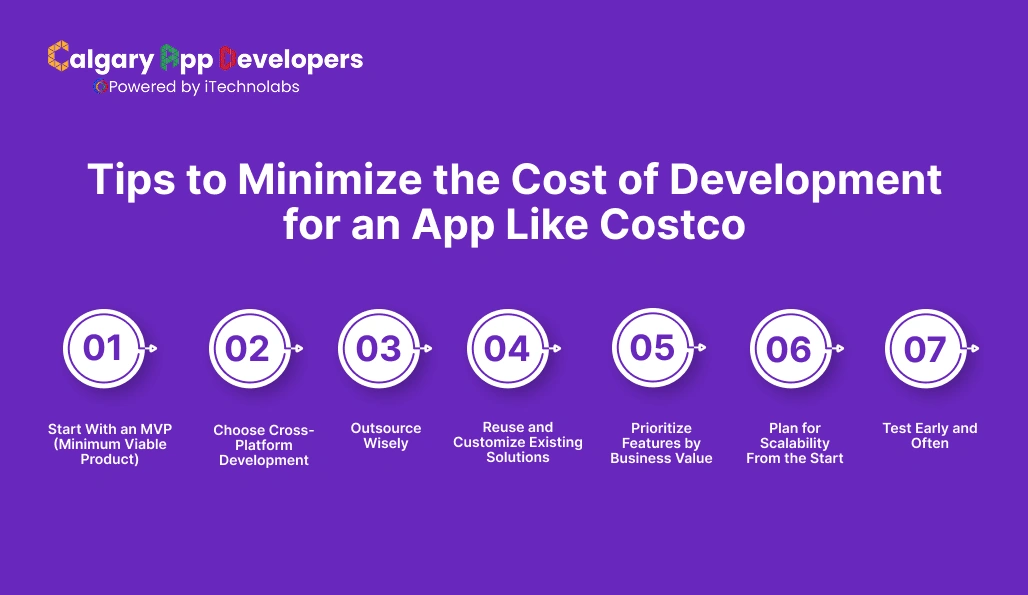
Creating an app like Costco can get expensive, but there are smart ways to control costs without cutting corners on quality. The goal is to prioritize value and efficiency at every stage.
- Start With an MVP (Minimum Viable Product)
- What it means: Launch a simplified version with only the must-have features, such as product listings, cart, checkout, and payments.
- Why it works: You spend less upfront, test real user behavior, and gather feedback before scaling.
- Cost impact: Can reduce initial spending by 30–40%.
- Choose Cross-Platform Development
- What it means: Instead of building separate apps for iOS and Android, use frameworks like Flutter or React Native.
- Why it works: One codebase saves time, ensures faster updates, and reduces testing costs.
- Cost impact: Cuts development hours almost in half.
- Outsource Wisely
- What it means: Work with skilled developers in cost-effective regions such as Eastern Europe or India.
- Why it works: Access to talent at lower hourly rates while maintaining quality.
- Extra tip: If North American expertise is important, consider cities like Calgary, which offer strong talent at more affordable rates than major US hubs.
- Reuse and Customize Existing Solutions
- What it means: Instead of coding every feature from scratch, use ready-made APIs and SDKs for payments, maps, or chat.
- Why it works: Reduces development time and ongoing maintenance.
- Examples: Stripe for payments, Firebase for notifications, and Twilio for customer chat.
- Prioritize Features by Business Value
- What it means: Rank features based on how much they impact customer experience and revenue.
- Why it works: Avoids wasting budget on shiny extras that don’t add immediate value.
- Example: Focus on smooth checkout before adding AI-driven recommendations.
- Plan for Scalability From the Start
- What it means: Use cloud-based infrastructure that grows as your user base grows.
- Why it works: Avoids costly reengineering when traffic spikes.
- Extra tip: Pay-as-you-go cloud services like AWS or Google Cloud prevent overspending on unused resources.
- Test Early and Often
- What it means: Continuous testing during development instead of leaving it all for the end.
- Why it works: Fixing bugs early is cheaper and prevents costly delays at launch.
- Tools: Automated testing frameworks like Selenium or Appium.
Building an app like Costco doesn’t mean burning through your budget. By starting small, leveraging cross-platform tools, outsourcing smartly, and planning scalability, you keep costs under control while still creating an app that customers trust and enjoy using.
Conclusion
Developing an app like Costco Canada is more than a tech project. It is an investment in customer loyalty, convenience, and long-term revenue. Costs can vary widely depending on design, features, platforms, and team location, but the payoff is clear. A well-built shopping app positions your business to thrive in an industry that is growing every year.
If you are serious about turning this vision into reality, working with the right partner makes all the difference. At Calgary App Developers, we specialize in building powerful retail apps that balance cost efficiency with world-class quality. Whether you want to launch a simple MVP or a feature-rich platform, our team can guide you from idea to launch with clarity and confidence.


Pankaj Arora is a seasoned technology leader and the Founder of Calgary App Developer, with 10+ years of expertise in crafting high-performance digital solutions. His core competencies include full-stack app development, cloud-native architecture, API integration, and agile product delivery. Under his leadership, Calgary App Developers has empowered startups and enterprises alike with scalable mobile applications, secure web platforms, and AI-driven SaaS products.